General
How to Verify a Token Lock On-Chain: Step-by-Step Checklist for Solscan and Etherscan
Token unlocks released $4.68 billion in new supply across 144 crypto projects in March 2026 alone, according to Tokenomist data.
With that much value moving on predefined schedules, investors have stopped taking lock announcements at face value; they verify them on-chain.
Streamflow, the Solana-native token operations infrastructure platform securing over $265 million in total value locked across 40,000+ projects, built its token lock platform around exactly this demand for public proof.
The problem is that most people still don't know what verification actually involves. A screenshot of a lock is not a lock, and a tweet announcing one is worth even less.
This guide walks through the exact checklist for verifying a token lock on Solscan and Etherscan, the red flags that invalidate a lock, and what verifiable locking looks like when it's done right.
Key Takeaways
A token lock only counts when anyone can verify it on-chain, not in announcements.
Solscan verification checks the lock account, token mint, locked amount, and unlock schedule.
Etherscan verification centers on the locker contract, beneficiary address, and release timestamp.
Streamflow token locks generate public proof links verifiable on Solscan and RugCheck.
Immutable Streamflow contracts remove admin override, so no team can unlock tokens early.
Why a Lock Announcement Is Not a Lock
Rug pull losses climbed to nearly $6 billion in 2025, a surge of more than 6,500% year over year, according to DappRadar. A large share of those losses came from projects that publicly claimed their supply was locked. The announcement was real; the lock was not.
The gap between claimed locks and real locks usually takes one of a few forms:
Tokens sit in a team-controlled multisig described as "locked" but movable at any time.
The lock contract includes an admin withdraw function the team never mentions.
The locked amount covers a fraction of the supply the announcement implied.
The proof offered is a screenshot or a dashboard image, not an explorer link.
Consider a typical launch scenario. A team announces that 30% of supply is locked for two years, but the tokens actually sit in a standard wallet address controlled by two founders. Nothing on-chain restricts those tokens, and nothing stops them from moving the day after listing.
This is why verification matters more than announcements, and why Streamflow's token locks are designed to be provable by anyone, not just claimable by teams.
What On-Chain Verification Actually Proves
A token lock is a mechanism that restricts tokens from being transferred, sold, or accessed until predefined conditions are met, such as a specific date, time period, or price level. When a lock is genuinely on-chain, verification confirms five things: the lock exists, the amount matches the claim, the unlock conditions are enforced by code, the correct token is locked, and no one holds an override.
It helps to keep three related mechanisms distinct. A token lock restricts native project tokens until a single unlock event. Vesting releases tokens gradually over a schedule, and a liquidity lock restricts LP tokens specifically to prevent rug pulls on DEX liquidity.
Each answers a different diligence question, so check which one a project is actually claiming. This guide for token locking on Solana covers the distinctions in more depth.
Once you know what you're verifying, the checklist itself takes minutes.
The Step-by-Step Verification Checklist
The process differs slightly by chain, but the logic is identical: find the contract holding the tokens, confirm what it holds, and confirm what it cannot do.
Verifying a Token Lock on Solscan (Solana)
Start from the project's published proof link or contract address, never from an address someone posts in a community chat.
Open the lock or contract address in Solscan.
Confirm the token mint address matches the project's official token, not a lookalike.
Check the locked amount against the percentage of supply the team claims.
Confirm the account is owned by a recognized lock program, not a standard wallet.
Review the unlock date or schedule and compare it to the public commitment.
Confirm the team holds no authority that allows early withdrawal or account closure.
Cross-checking with RugCheck adds a second layer, since it flags suspicious authorities automatically. Streamflow locks are built for this exact workflow: every lock produces a public proof link and dashboard, verifiable on Solscan, Solana Explorer, and RugCheck.
If a team claims a two-year lock on 20% of supply, all six checks should confirm it in under five minutes. If any step fails, treat the claim as unproven.
Verifying a Token Lock on Etherscan (Ethereum)
Ethereum verification revolves around the locker contract itself.
Locate the locker contract address from the project's official documentation.
Confirm the contract's source code is verified on Etherscan; unverified bytecode is an automatic red flag.
Open the Read Contract tab and check the beneficiary address, locked amount, and release timestamp.
Check the token's holder list to confirm the tokens actually sit inside the locker contract.
Scan the Write Contract tab for owner-only functions like emergencyWithdraw or setReleaseTime.
Compare the locked amount against total supply to judge whether the lock is meaningful.
A contract holding 0.5% of supply behind a verified lock is still a weak commitment. The math matters as much as the mechanism.
Fees matter too. Equivalent lock setups on Ethereum cost dramatically more than on Solana, where near-zero fees make locking and re-verifying essentially free. That cost difference is one reason token locks on Solana have become a default trust signal rather than an occasional gesture.
Red Flags That Invalidate a Lock
Whatever the chain, these patterns should end the diligence conversation:
Tokens held in a regular wallet or multisig rather than a lock contract.
Unverified contract code, or a contract deployed hours before the announcement.
Admin functions that permit early withdrawal, schedule changes, or beneficiary swaps.
Lock duration measured in weeks for allocations that should be locked for years.
Proof offered as screenshots, videos, or dashboards with no explorer link.
A verifiable lock with a transparent unlock schedule is the standard every serious project should meet.
How Streamflow Makes Locks Verifiable by Default
Streamflow turns token locking into a transparent trust signal rather than a marketing claim. Locked tokens cannot be transferred, traded, or accessed before unlock, and every condition is enforced by smart contracts audited by FYEO and OPCODES.
Once deployed, contracts are immutable, with no admin override for anyone, including Streamflow.
The verification features map directly onto the checklist above:
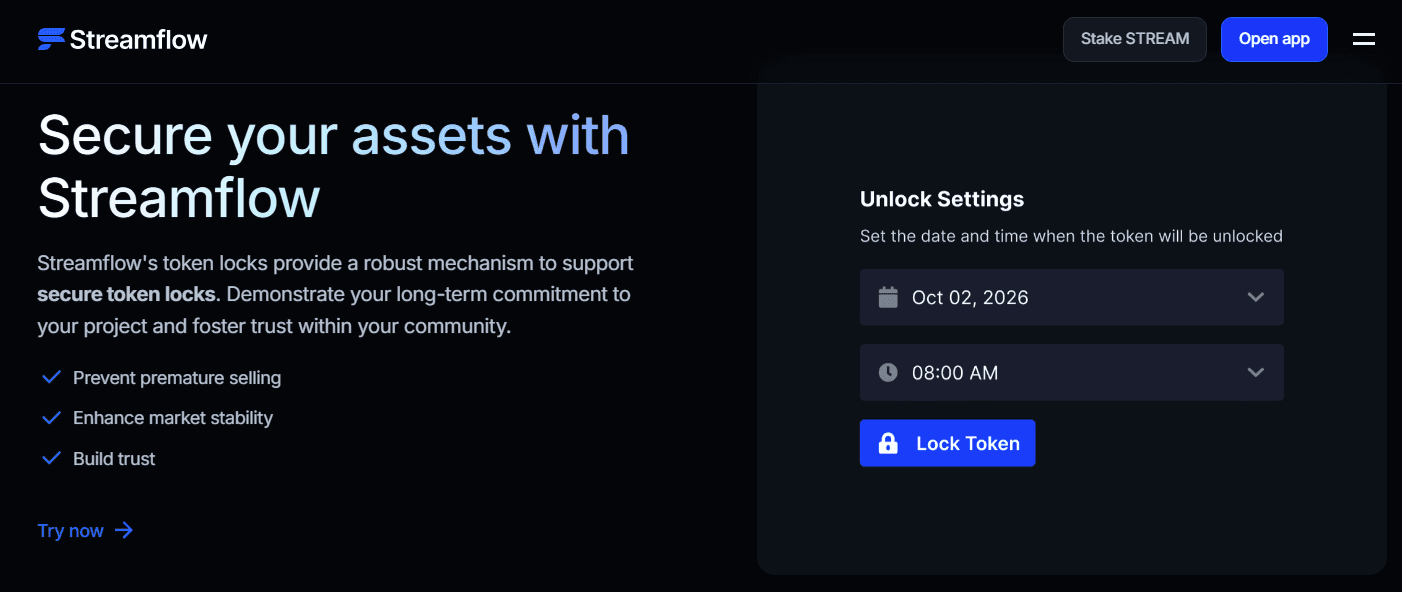
Public proof links and dashboards anyone can open without a wallet.
Explorer verification on Solscan, Solana Explorer, and RugCheck.
Fixed-date and price-based unlock conditions, executed automatically on release.
A real-time tokenomics dashboard consolidating locks, vesting, and unlock events in one view.
Setup takes roughly 37 seconds through the no-code interface, so verifiability costs a team almost nothing. Open the Streamflow app to see what a lock looks like from the creator side.
For investors, a Streamflow proof link collapses the six-step checklist into a single glance backed by on-chain data.
Case Study: How Bonk Turned Locked Supply Into Trust
Bonk, the Solana meme coin, allocated 20% of its total supply to 22 early contributors through Streamflow on a 3-year linear vesting schedule. Because the schedule runs on-chain, anyone could verify at any moment exactly how many contributor tokens were released and how many remained restricted.
The Bonk case study shows the outcome: trust and transparency with a community that had every reason to be skeptical of meme coin insiders. The contributor allocation was never a rumor to debunk, because the proof was public from day one.
That is the practical difference between announcing a commitment and enforcing one on-chain.
What This Means for Founders and Investors
For investors, the checklist above should be non-negotiable diligence before any position in a new token. Five minutes on Solscan or Etherscan filters out the majority of hollow lock claims.
For founders, the lesson inverts. Verifiability is not a compliance chore; it is a distribution asset that answers your hardest community question before it gets asked. Publishing a proof link alongside your lock announcement converts skeptics at the exact moment they go looking for reasons to doubt you.
Pairing locks with on-chain token vesting for team and investor allocations extends that same proof across your entire supply schedule. Projects that treat transparency as infrastructure, not marketing, are the ones that keep their communities through volatile unlock periods.
Conclusion
A token lock is only as strong as its on-chain proof, and both Solscan and Etherscan make that proof checkable in minutes.
With billions in supply unlocking every month, verification has shifted from a power-user habit to baseline diligence.
Streamflow enforces lock conditions through immutable, audited smart contracts with public proof links, so verification is built in rather than bolted on.
Book a demo to see how Streamflow handles verifiable token locks for your team, treasury, and investor allocations.
Read Next:
Token Distribution Red Flags: 9 Warning Signs to Check Before Buying Any Crypto Token
Token Locks Explained: What They Are, How They Work, and Why Every Crypto Project Needs One in 2026
How to Build a Complete Token Vesting Strategy for Your Solana Token Launch
FAQs:
1. How do you verify a token lock on Solscan?
You verify a token lock on Solscan by opening the lock address, confirming the token mint matches the official token, checking the locked amount against the claimed supply percentage, and reviewing the unlock schedule. You should also confirm the account is owned by a lock program rather than a standard wallet. Cross-checking on RugCheck adds an extra layer of authority verification.
2. What is the difference between a token lock and a liquidity lock?
The difference between a token lock and a liquidity lock is what gets restricted. A token lock restricts native project tokens, such as team or treasury allocations, while a liquidity lock restricts LP tokens to prevent rug pulls on DEX liquidity. Serious projects typically need both, and each should be verified separately.
3. Can a team unlock tokens early after locking them with Streamflow?
No, a team cannot unlock tokens early after locking them with Streamflow. Contracts are immutable once deployed, with no admin override, so locked tokens cannot be transferred, traded, or accessed until the unlock conditions are met. This is enforced by audited smart contracts, not by policy.
4. How does Streamflow prove its token locks on-chain?
Streamflow proves its token locks on-chain through public proof links, public dashboards, and explorer verification on Solscan, Solana Explorer, and RugCheck. Anyone can confirm the locked amount, the unlock conditions, and the absence of admin control without connecting a wallet or trusting the team.
5. How long does it take to lock tokens on Streamflow?
It takes about 37 seconds to lock tokens on Streamflow using the no-code interface. Teams choose fixed-date or price-based unlock conditions, deploy instantly, and receive a shareable proof link, with Solana's near-zero fees keeping the cost minimal.
