General
How to restore a crypto wallet?
To restore a crypto wallet, you re-enter the backup phrase or private key generated when the wallet was first created, which rebuilds access to the funds tied to that wallet.
Chainalysis estimates that roughly 20% of all Bitcoin, around 3.7 million BTC, is permanently lost, much of it to forgotten keys and inaccessible wallets.
That single statistic is the strongest argument for understanding restoration before you ever need it.
The stakes are higher in self-custody than most people assume, especially for anyone holding tokens long term.
On Solana, where Streamflow distributes vested, locked, and airdropped tokens to more than 1.3 million users, the allocation you are owed lands in a wallet you alone control. If that wallet becomes inaccessible and you have no backup, the tokens are effectively frozen on-chain.
This guide explains why restoration matters, which backups make it possible, and the exact steps for hardware, software, hot, and cold wallets.
Key Takeaways
Restoring a crypto wallet relies on the seed phrase or private key generated at setup.
Hardware, software, hot, and cold wallets each follow slightly different restoration steps.
Without a valid backup, funds in a lost wallet are usually unrecoverable.
Tokens vested, locked, or airdropped through Streamflow land in your self-custody wallet.
Verified recovery sources and offline backups protect against phishing during wallet restoration.
Why Is Crypto Wallet Restoration Necessary?
Crypto wallet restoration is necessary because self-custody puts full responsibility for access on the user, with no bank or support line to fall back on. When a device dies or a credential is lost, restoration is the only path back to the funds.
The most common triggers are predictable:
Device failure: hardware wallets can suffer mechanical faults or physical damage.
Security breaches: software and online wallets are exposed to hacks and malware.
Lost credentials: a forgotten password or misplaced key blocks access entirely.
Accidental deletion: a wallet app or its data can be wiped by mistake.
Restoration is the safety net for every one of these scenarios. It matters even more for long horizons, because token allocations can vest over years, and a backup has to survive that entire window.
When Do You Need to Restore a Wallet?
You need to restore a wallet whenever you lose access to the device or environment that held it, or when you move to a new one. The situations cluster around a few moments.
Restoration typically becomes necessary when:
A phone, laptop, or hardware device is lost, stolen, or damaged.
A wallet is compromised and you migrate funds to a clean setup.
You upgrade or switch between wallet apps or hardware brands.
You return to a wallet that has sat dormant for months or years.
In each case, the goal is the same: re-establish control of the keys without exposing them. Switching services without a tested backup is one of the most common ways funds get stranded.
What Backup Methods Are Used for Wallet Restoration?
The backup methods used for wallet restoration are seed phrases, private keys, and offline physical copies of either one. These are the tools that make recovery possible, and they should be created at setup, never after a problem appears.
The three standard methods are:
Seed phrases: a 12 or 24-word recovery phrase generated when the wallet is initialized.
Private keys: the unique alphanumeric string that authorizes transactions for an address.
Physical backups: the phrase or key written down or stored offline, away from any connected device.
Treat all three as bearer instruments, because anyone who holds them holds the funds. Store at least one copy offline and never enter recovery details into a website or app you have not verified.
How Do You Restore Each Type of Crypto Wallet?
Restoration follows the same core idea across wallet types, re-entering a verified backup, but the steps differ by category. The subsections below cover each.
How Do You Safely Restore a Hardware Wallet?
To safely restore a hardware wallet, start with a new or factory-reset device from a reputable source, then choose the "restore from recovery phrase" option during setup. Enter your seed phrase carefully, in order, and confirm each word on the device screen rather than on a connected computer.
Perform this in a private environment with no cameras or onlookers, since the phrase is visible during entry.
How Do You Restore a Software Wallet?
To restore a software wallet, reinstall the wallet application and select "restore from backup" or "import wallet" at the setup stage. Enter your recovery phrase or private key in the exact order shown at creation. Download the app only from the official source to avoid cloned apps that harvest recovery details.
How Do You Restore a Cold Wallet?
To restore a cold wallet, re-enter the seed phrase or private key into the new offline wallet interface, keeping the entire process disconnected from the internet. Because cold wallets exist specifically to stay offline, the surrounding environment matters as much as the steps. Confirm the information stays confidential and is never typed into any online field.
How Do You Restore a Hot Wallet?
To restore a hot wallet, log in to the wallet platform, open the security or backup section, and choose "recover wallet" or the equivalent option. You will be prompted for the seed phrase, private key, or security answers tied to the account. Verify the URL before entering anything, as hot wallets are the most common phishing target.
How Do You Access Funds From a Lost or Forgotten Wallet?
Accessing funds from a lost or forgotten wallet depends entirely on whether you still hold the recovery phrase or private key. With a valid backup, restoration follows the steps above. Without one, self-custodied funds are almost always unrecoverable, because no provider can reset what they never held.
There is one exception. If the wallet was hosted by a custodial exchange rather than a self-custody app, contacting that exchange's support can sometimes restore account access through identity verification. For true self-custody wallets, the backup is the only key that exists.
What This Means If You Hold Vested, Locked, or Airdropped Tokens
Self-custody changes the math when your wallet is the destination for scheduled token releases.
If you are a contributor or investor receiving tokens through automated token vesting or claiming an airdrop launch platform distribution, those tokens settle into your wallet over time, not all at once. Your backup has to outlast the schedule.
Consider the Heavenland case study, where 97% of the $HTO supply was placed on a 5-year linear vesting schedule with cliffs. A recipient on that plan needs a wallet that stays recoverable for five years, because each unlock deposits to the same self-custody address. Losing access midway through means losing every release that follows.
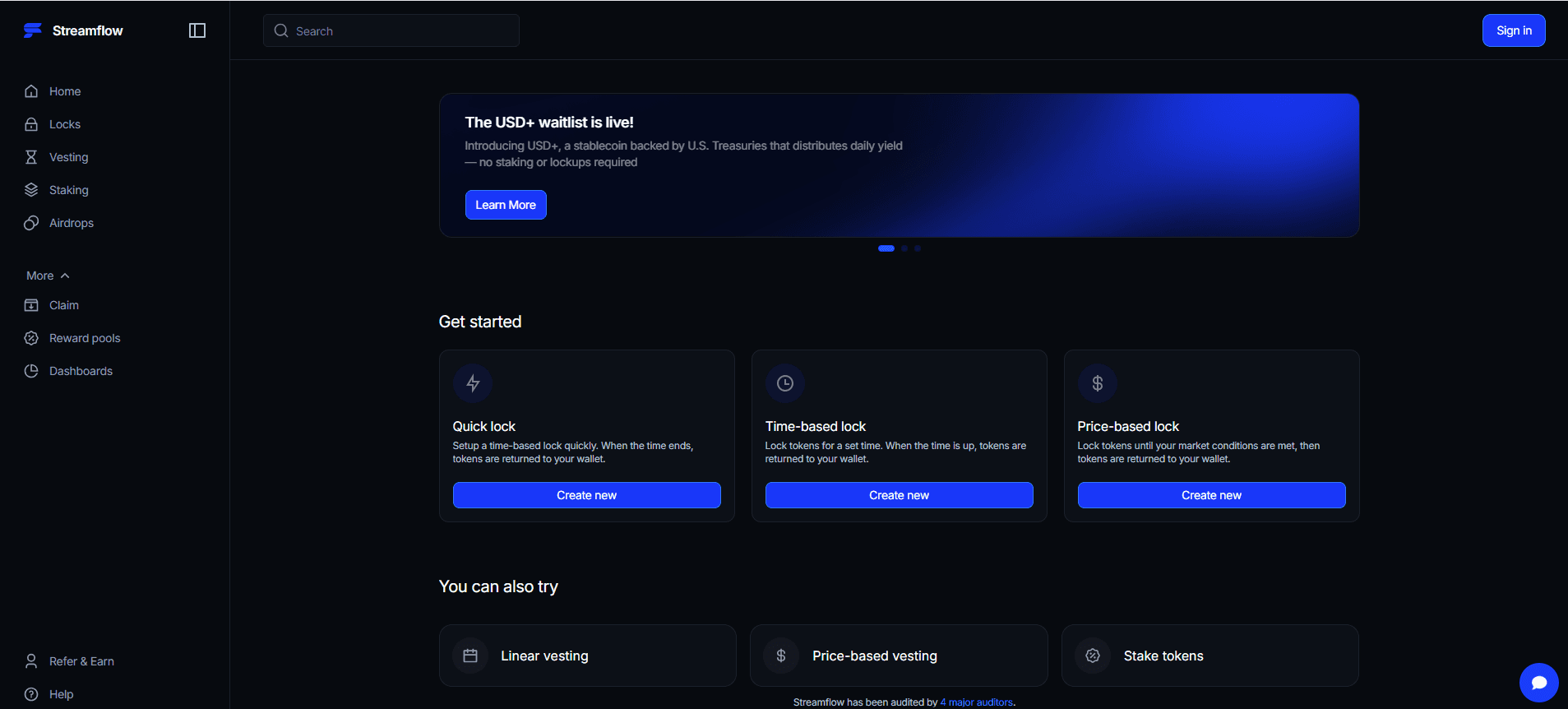
Recipients can open the Streamflow app to track allocations and claim what has unlocked, but the wallet, and its backup, remain the user's responsibility.
Conclusion
Crypto wallet restoration is simple when a backup exists and impossible when one does not, which is why the seed phrase or private key is the single most important thing to protect.
For anyone holding tokens that vest, lock, or arrive by airdrop, a recoverable wallet is the difference between collecting a multi-year allocation and watching it freeze on-chain.
The restoration steps differ by wallet type, but the principle never changes: secure the backup first, verify every recovery source, and keep one copy offline.
Book a demo to see how Streamflow handles secure token distribution to thousands of self-custody wallets on Solana.
Read Next:
FAQs
1. Why would I need to restore my crypto wallet?
You would need to restore your crypto wallet when you lose access through device damage, a security breach, lost credentials, or accidental deletion. Restoration re-establishes control over your funds using your existing backup. It is also required when migrating to a new device or wallet app.
2. What backup methods are commonly used for wallet restoration?
The backup methods commonly used for wallet restoration are seed phrases, private keys, and offline physical copies of either. Seed phrases are usually a 12 or 24-word combination, while private keys are a single alphanumeric string. Storing at least one copy offline is the safest practice.
3. Is wallet restoration the same for all types of crypto wallets?
No, wallet restoration is not the same for all types, though every method centers on re-entering a recovery phrase or private key. Hardware and cold wallets require offline, in-person entry, while software and hot wallets are restored through reinstalling or logging into the platform. The backup itself is interchangeable, but the entry process differs.
4. Are there any risks involved in wallet restoration?
Yes, the main risks in wallet restoration are phishing sites, exposing recovery details to third parties, and entering a phrase on a compromised device. Any of these can lead to total loss of funds. Always verify the source, work in a private environment, and never type a recovery phrase into an unverified field.
5. What happens to tokens I am vesting if I lose access to my wallet?
If you lose access to your wallet, tokens you are vesting remain locked to that on-chain address and become unreachable without a valid backup. Vesting schedules on Streamflow deposit each release to the same self-custody wallet, so a lost backup can strand future unlocks. Maintaining a tested seed-phrase backup for the full length of the schedule is essential.